Improve your UI/UX skills with the 100-Day Daily UI Challenge. Explore real-world UI design tasks, watch step-by-step tutorials, and download free Figma files to practice, build your portfolio, and become a more confident designer.
The Daily UI Challenge helps you improve your UI/UX skills by completing real-world design tasks in Figma. Each challenge focuses on a different interface, giving you hands-on experience with layouts, user flows, UI components, and modern design patterns. Download the free Figma files, follow the tutorials, and build a portfolio that showcases your progress as a designer.
Explore the complete Daily UI Challenge collection and practice real-world UI design tasks with free Figma files and step-by-step tutorials. From login screens and dashboards to checkout flows, profile pages, settings, and mobile app interfaces, each challenge helps you improve your UI/UX design skills while building a professional portfolio.
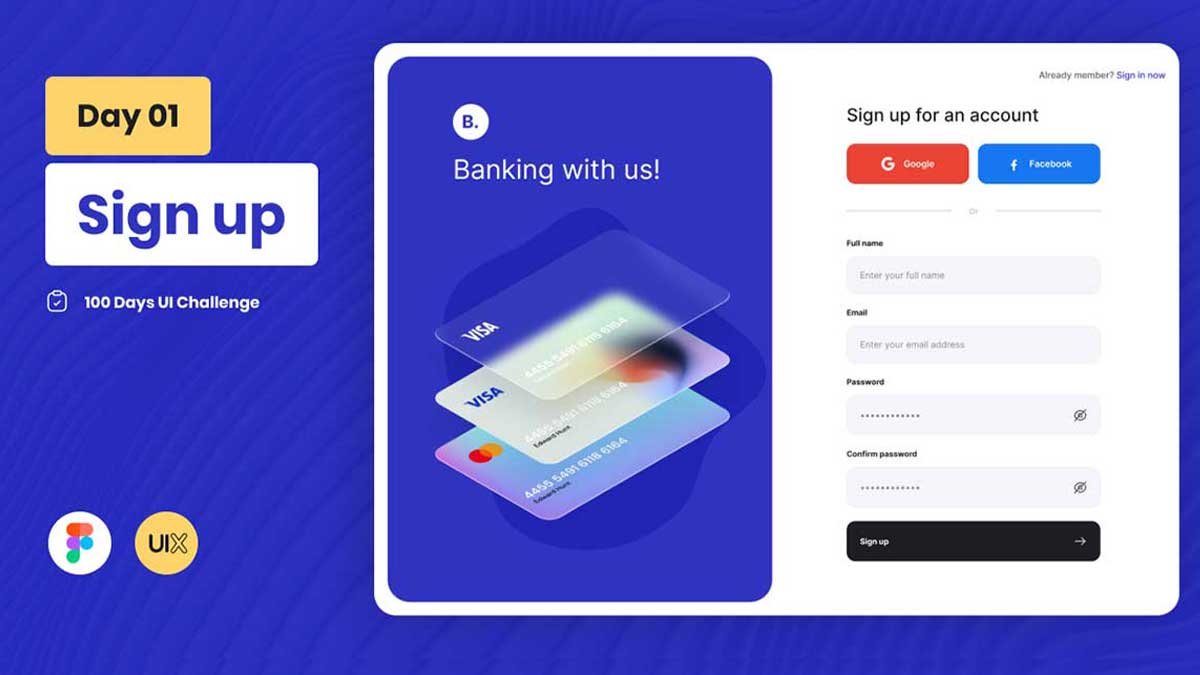
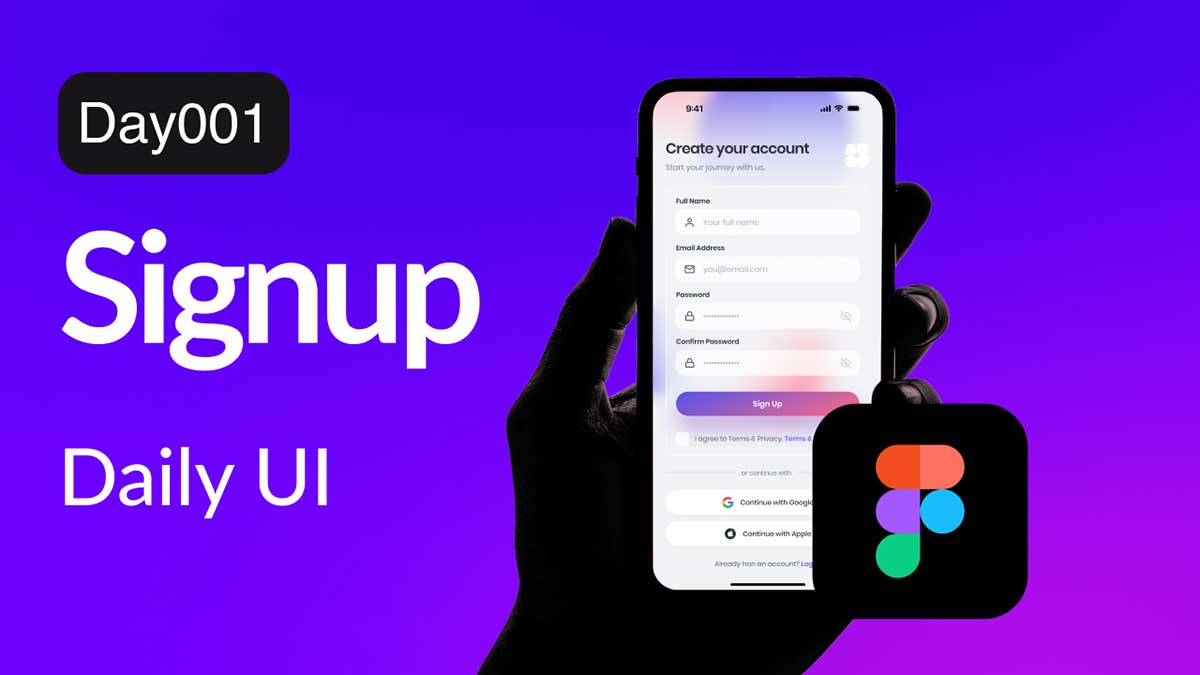
Daily UI Design Challenge - Day 01 - SignUp Design

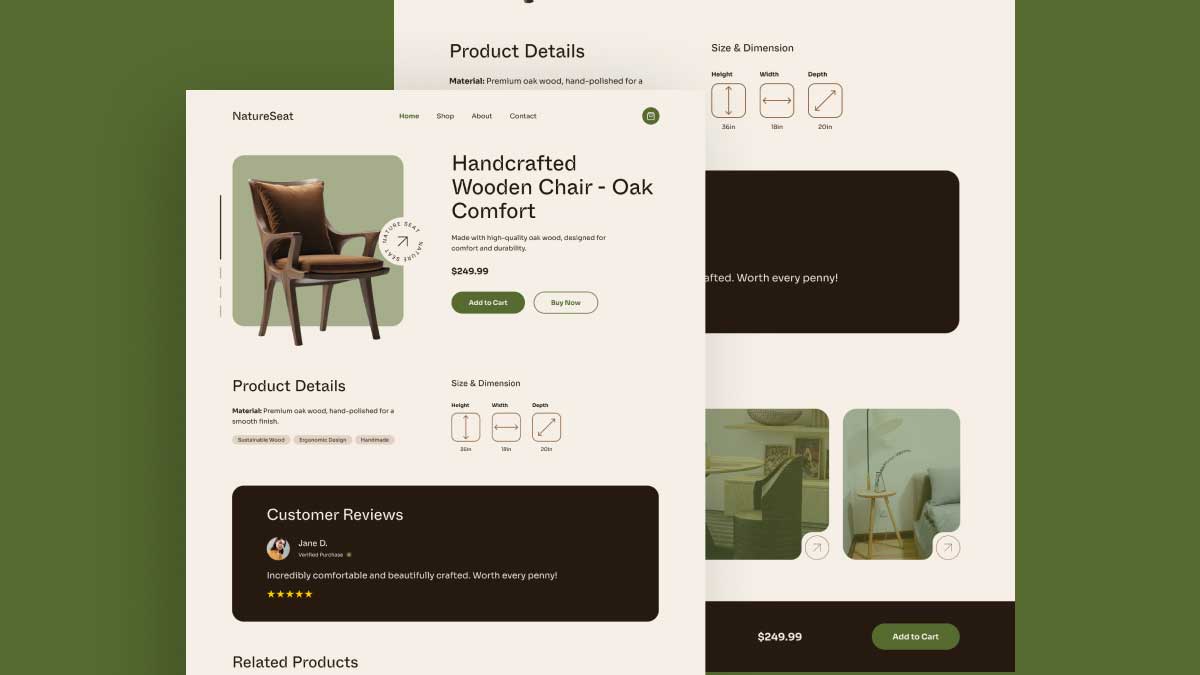
Daily UI Challenge - Day 02 - Checkout Page in figma
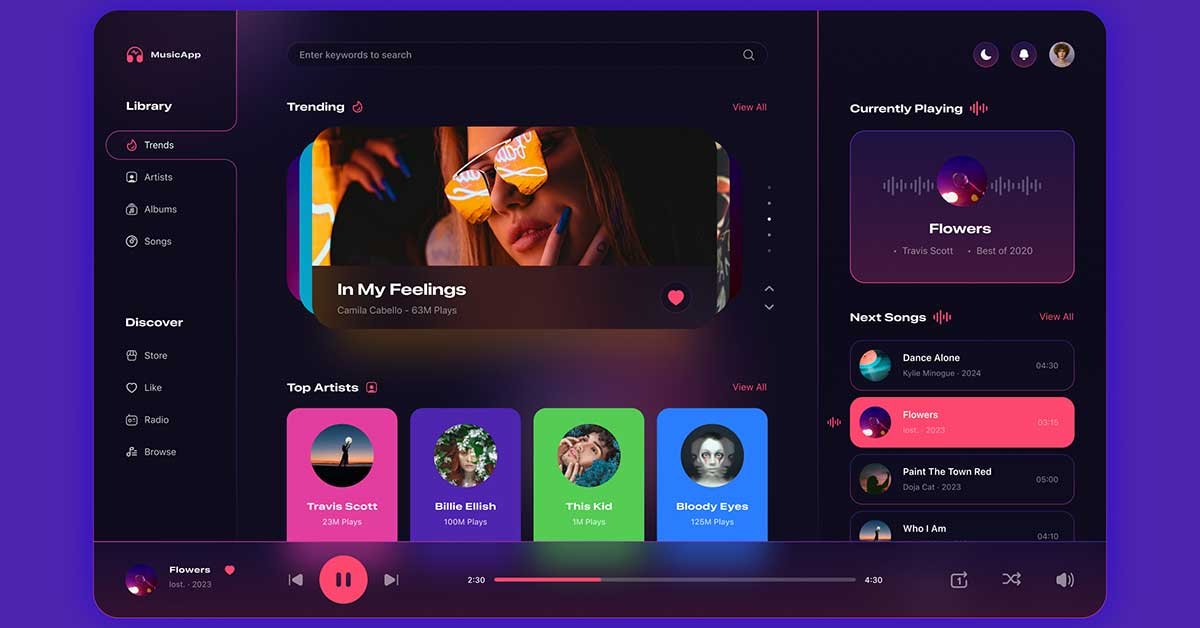
Today, we’re diving into the Day 09 of the 100 Days UI Design Challenge, where we focus on creating a
Every Daily UI Challenge includes a free Figma file that you can explore, edit, and customize while following the tutorial. Instead of designing from scratch, you can study real UI layouts, components, spacing, typography, and design decisions to improve your workflow and create portfolio-ready projects.
The Daily UI Challenge is a 100-day design challenge where you create UI components daily to enhance your skills and build an impressive design portfolio.
Anyone interested in UI/UX design can participate—whether you’re a beginner, student, or experienced designer looking to refine your skills.
No! The challenge is designed for all skill levels, from beginners to professionals. You can start anytime and improve at your own pace.
Figma is the recommended tool for the Daily UI Challenge because every challenge on DownloadFreebie includes a free Figma file. If you prefer, you can recreate the designs in another UI design tool, but the tutorials and resources are built around Figma.
Yes, the challenge follows a structured list from Day 1 to Day 100. You can follow it in order or pick tasks based on your interests.
Yes! While it’s called a daily challenge, you can go at your own pace. The goal is to practice consistently, not rush.
Check out platforms like Dribbble, Behance, Awwwards, and Pinterest for UI/UX design inspiration.
You can showcase your work on Dribbble, Behance, LinkedIn, Twitter (X), and personal websites to build your portfolio.
If you share your designs in online communities or social media, other designers can provide feedback and suggestions for improvement.
Yes! The challenge is a great way to create portfolio-worthy designs and showcase your creativity to potential clients or employers.
Each Daily UI Challenge includes a dedicated challenge page where you can preview the design, watch the tutorial, and download the free Figma file. Simply open the challenge you want to complete and click the download button to get started.
Yes. All Daily UI Challenge resources on DownloadFreebie are free to access. You can explore the tutorials, download the Figma files, and practice each UI design challenge to improve your UI/UX skills and build your design portfolio.
Continue improving your UI/UX design skills with free Figma resources, UI kits, templates, design systems, and step-by-step tutorials. Explore more design categories to practice different interfaces, discover new workflows, and build stronger portfolio projects.
Free Figma app UI templates for Android & iOS.
Landing pages, business websites & portfolios.
AI design tools, no-code platforms & productivity resources.
Reusable components, design tokens, styles & UI libraries.
Buttons, forms, cards, navigation and more.
Learn Figma and UI/UX step by step.