Learn Figma step by step with free UI/UX tutorials, real-world design projects, and the Daily UI Challenge. Practice web and mobile app design, master Auto Layout, components, variants, and design systems, then download free Figma files to build portfolio-ready projects.
Whether you’re just getting started or improving your existing skills, our Learn Figma Academy helps you build confidence through structured UI/UX design tutorials and practical projects. Learn web and mobile interface design, master Auto Layout, components, variants, and design systems, then apply your skills by creating real-world projects in Figma.
Start your Figma learning journey with beginner-friendly UI/UX design tutorials. Follow step-by-step video lessons to learn the Figma interface, design responsive web and mobile layouts, use Auto Layout, create reusable components, and build practical UI projects from scratch.
Apply what you’ve learned by completing real UI design challenges in Figma. Each challenge includes a step-by-step video tutorial, a free Figma file, and practical exercises to help you build confidence and create portfolio-ready projects.
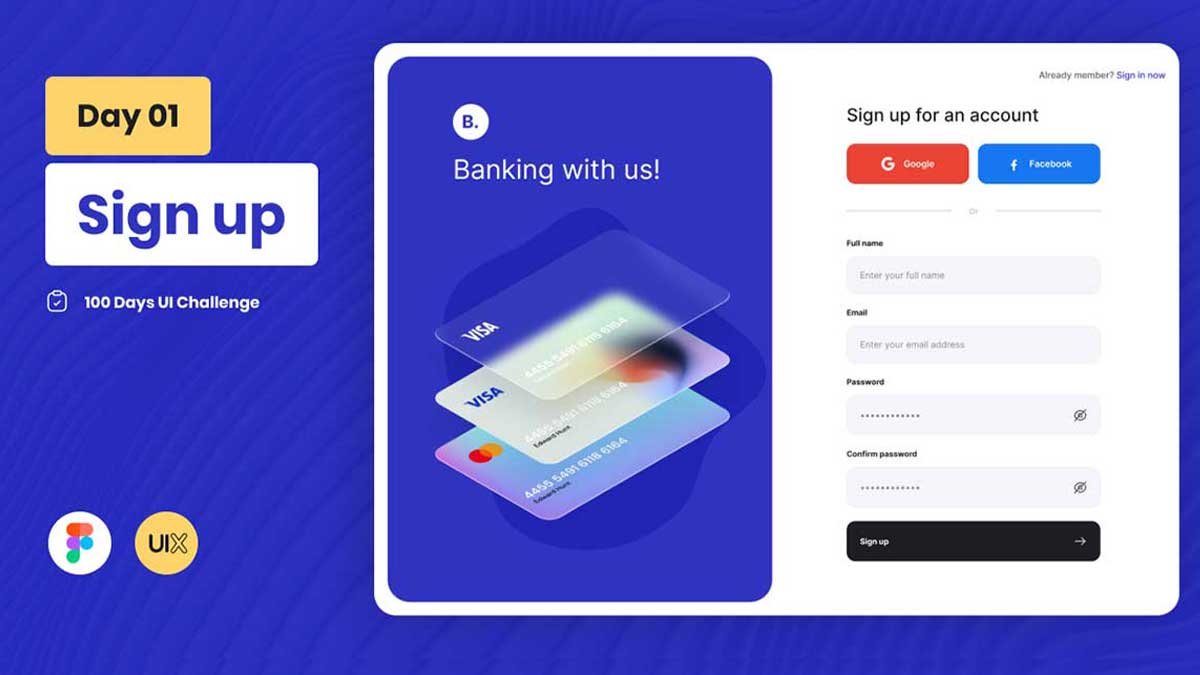
Daily UI Design Challenge - Day 01 - SignUp Design

Daily UI Challenge - Day 02 - Checkout Page in figma
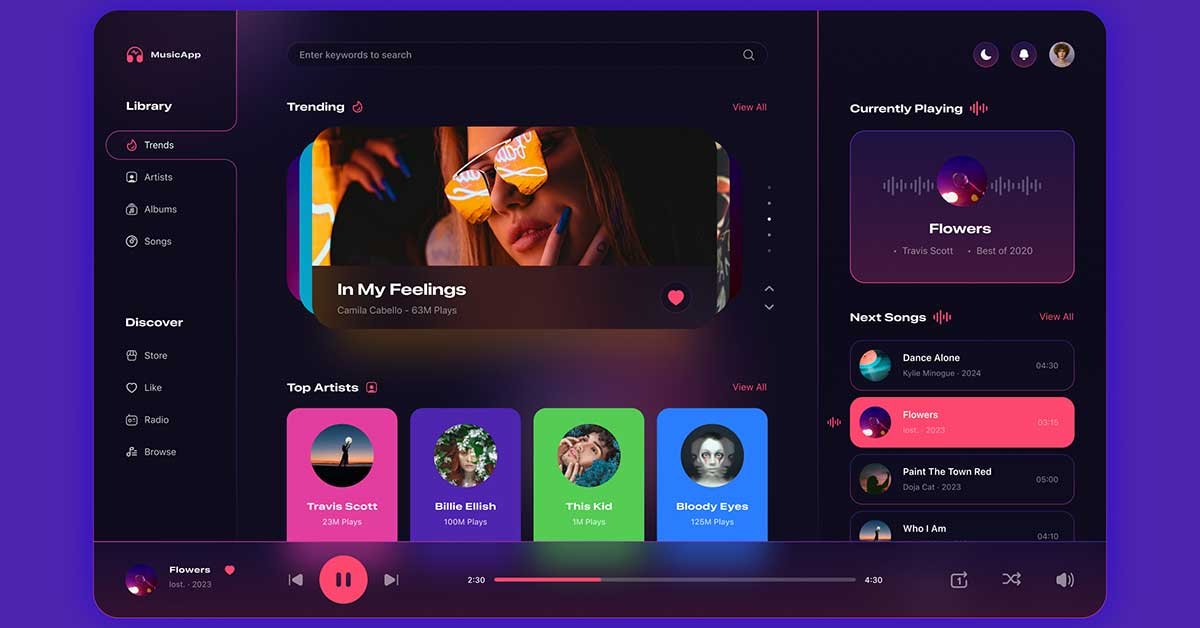
Today, we’re diving into the Day 09 of the 100 Days UI Design Challenge, where we focus on creating a
Continue learning with free Figma UI kits, templates, design systems, and UI components. Use professionally designed resources to practice your skills, explore modern interface patterns, and speed up your UI/UX design workflow.
 UIX Design Academy
 Find answers to the most common questions about learning Figma, UI/UX design, Daily UI Challenges, and free design resources. Whether you're a beginner or improving your design skills, these FAQs will help you get started with confidence.
Yes. You can learn Figma for free using our beginner-friendly tutorials, Daily UI Challenges, and downloadable Figma files. These resources help you practice UI/UX design without needing a paid course.
Absolutely. The tutorials are designed for beginners and gradually introduce essential Figma tools, UI design principles, Auto Layout, components, and responsive design.
No. You can start learning Figma with no prior design experience. The tutorials guide you step by step while the Daily UI Challenges help you build practical skills.
You’ll learn how to design web interfaces, mobile apps, design systems, UI components, responsive layouts, and real-world UI/UX projects using Figma.
Yes. Many tutorials and Daily UI Challenges include free downloadable Figma files that you can use for learning, practice, and inspiration.
Each challenge focuses on a practical UI design task. By completing them regularly, you’ll improve your design process, build consistency, and create portfolio-ready projects.
Yes. The challenges are designed to help you practice and showcase your UI/UX skills. They’re a great way to build a professional design portfolio.
If you’re new to Figma, begin with the featured tutorials on this page. Then move on to the Daily UI Challenges and explore free UI kits and templates to continue practicing.