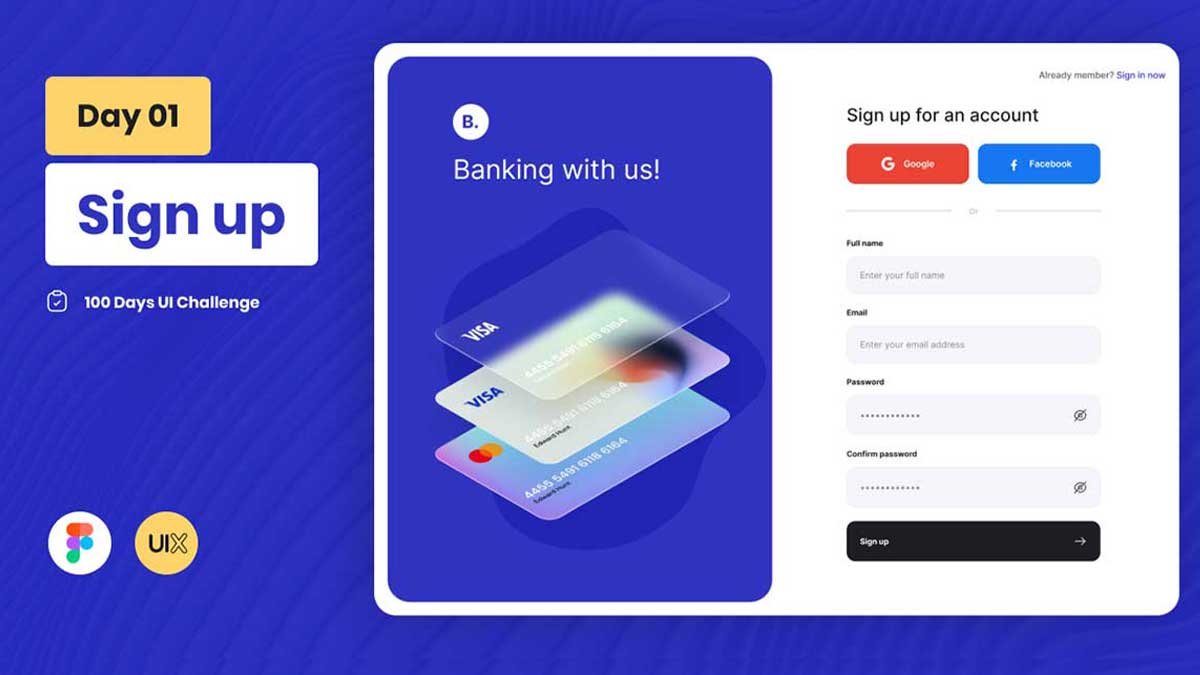
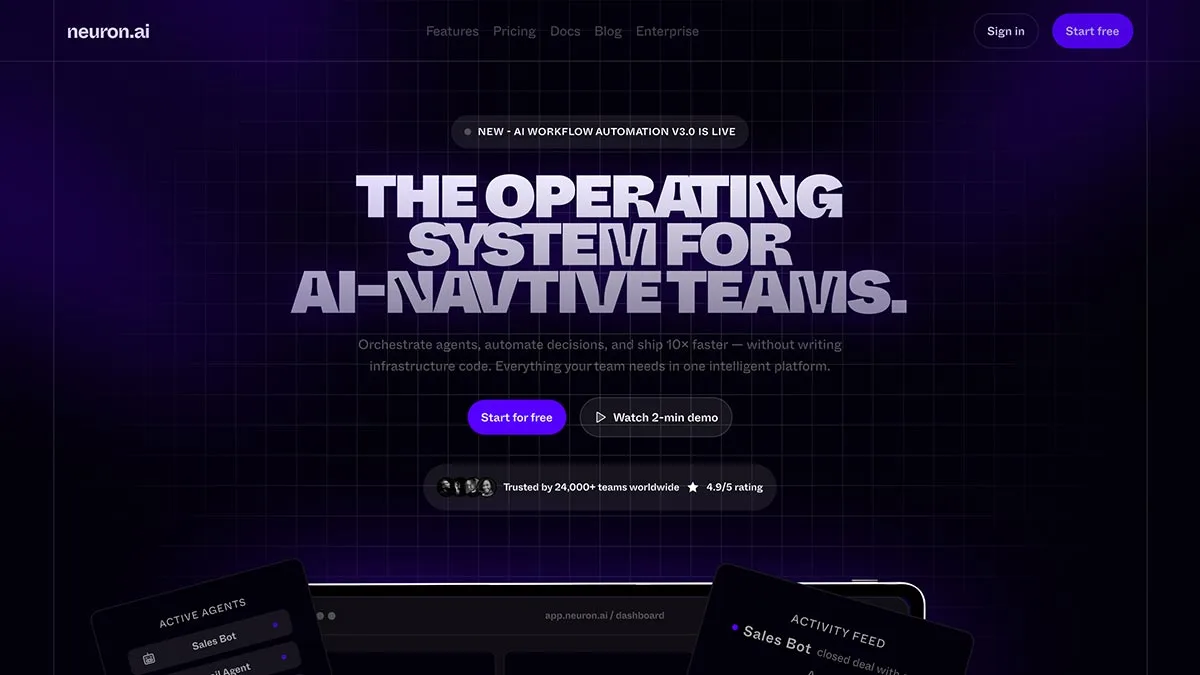
Browse free Daily UI Challenge Figma files, UI design practice screens, and editable templates for login pages, dashboards, checkout flows, profile screens, mobile apps, and web interfaces. Download professional UI resources and follow step-by-step YouTube tutorials to improve your UI/UX design skills.
Browse free Daily UI Challenge Figma files, UI design practice screens, and editable templates for login pages, dashboards, checkout flows, profile screens, mobile apps, and web interfaces. Find professionally designed UI resources to practice real-world interface design and improve your Figma skills.
Daily UI Challenges are one of the best ways to improve your UI/UX design skills through consistent practice and real-world design exercises. Each challenge focuses on a specific interface, helping you build experience with common UI patterns such as login screens, dashboards, checkout flows, profile pages, settings, mobile apps, and web interfaces.
At DownloadFreebie, you’ll find free Daily UI Challenge Figma files, editable templates, and UI design practice resources created for designers, students, freelancers, and developers. Every challenge includes professionally designed layouts that you can explore, customize, and use to strengthen your Figma skills while learning modern UI/UX design principles.
Whether you’re completing the 100 Days UI Challenge or simply looking for UI design inspiration, our collection helps you practice real interface design, understand reusable components, and build a stronger design portfolio. Every free resource is paired with a step-by-step YouTube tutorial, making it easy to follow the complete design process and improve your workflow.
We regularly publish new Daily UI Challenge Figma files, UI design resources, and free templates to help you practice consistently, discover new interface ideas, and become a more confident UI/UX designer.
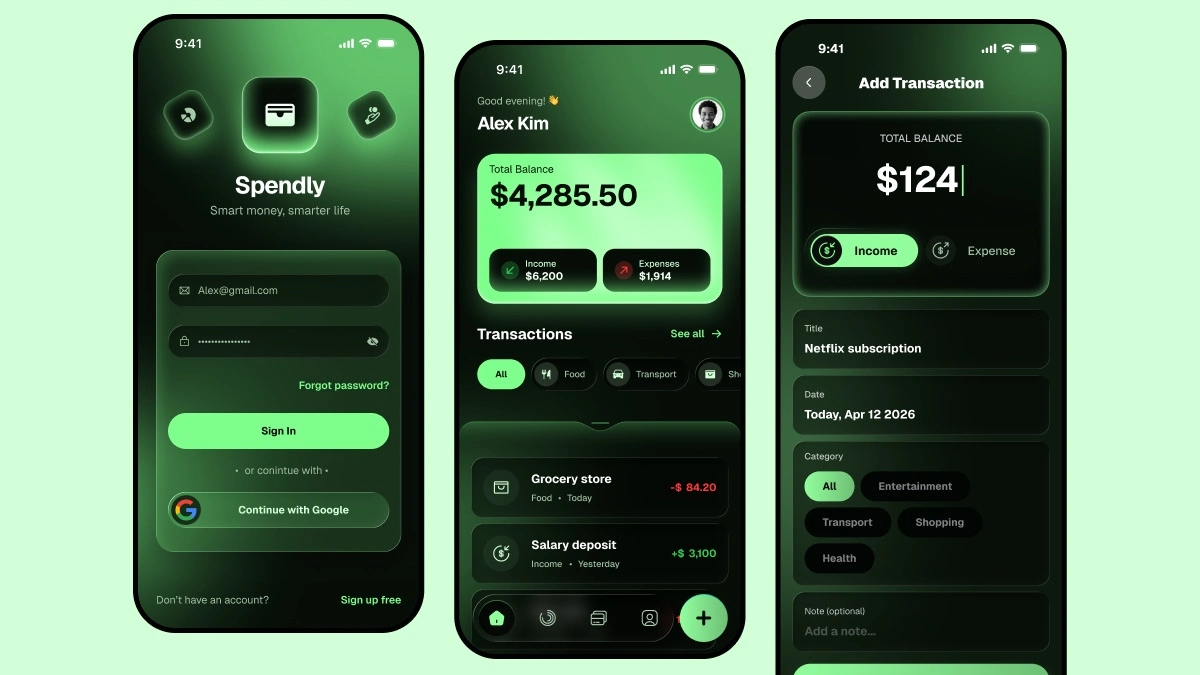
Discover more free UI/UX design resources, including mobile app UI kits, website design templates, Figma design systems, and AI-powered design tools. Explore editable Figma files, step-by-step tutorials, and practical resources to improve your design workflow and build modern digital products.
 UIX Design Academy
 Whether you’re starting your first Daily UI Challenge or improving your UI/UX design skills, our free Daily UI Challenge Figma files help you practice real-world interface design through hands-on projects. Every resource is created with modern UI patterns, clean layouts, reusable components, and UI/UX best practices to support your learning journey.
Our collection includes Daily UI Challenge Figma files for login screens, dashboards, checkout flows, profile pages, mobile apps, web interfaces, and other common design patterns. You can customize every project, experiment with different layouts, and build a stronger UI/UX portfolio while improving your Figma skills.
Every free resource includes a step-by-step YouTube tutorial, allowing you to follow the complete design process, customize the files, and improve your UI/UX skills while building real-world projects.
A Daily UI Challenge is a design exercise where you create one user interface each day to improve your UI/UX design skills. Popular challenges include login screens, dashboards, checkout flows, profile pages, mobile apps, and web interfaces.
Yes. Most Daily UI Challenge Figma files on DownloadFreebie are available as free downloads. Each resource clearly indicates whether it is free or premium.
Yes. All editable Figma files can be customized to match your own design style. You can modify colors, typography, layouts, components, icons, and other UI elements for practice or personal projects.
The Daily UI Challenge is suitable for UI/UX designers, students, freelancers, developers, and anyone who wants to improve their interface design skills through consistent practice.
Our collection includes login screens, sign-up pages, dashboards, checkout flows, profile pages, mobile app interfaces, web interfaces, landing pages, settings screens, and many other Daily UI challenge examples.
Yes. Every Daily UI Challenge resource includes a step-by-step YouTube tutorial so you can follow the complete design process, customize the Figma file, and improve your UI/UX skills.
Yes. These resources are great for learning, practicing, and building your design portfolio. Always check the license provided with each download before using a file for commercial or client projects.
We regularly publish new Daily UI Challenge Figma files, UI practice projects, and free design resources. Check this category regularly to discover the latest additions.
Need a custom mobile app, website, dashboard, or SaaS interface? Our team designs modern UI/UX solutions, reusable design systems, and high-quality Figma files that help startups and businesses build user-friendly digital products with confidence.
Trusted by 74,000+ designers through UIX Design Academy and hundreds of clients worldwide for professional UI/UX design.